Copying posts from one Telegram channel to another: channel access, forwarding old messages and automatic forwarding of new messages in FLOWIN.

Other 5 min read
Copying posts from one Telegram channel to another: channel access, forwarding old messages and automatic forwarding of new messages in FLOWIN.

How to download a Telegram conversation to your computer or copy it to another chat using FLOWIN. Step-by-step instructions for both methods.

Set up a Telegram support bot: customer enquiries will appear in topics in your support team’s group, while replies and announcements will come from the bot.

This guide will help you connect a Telegram account to FLOWIN by phone number, confirm sign-in, configure the session and disconnect the account from the service.

Bot account features, connecting to FLOWIN using a token, available settings and actions for the connected account.
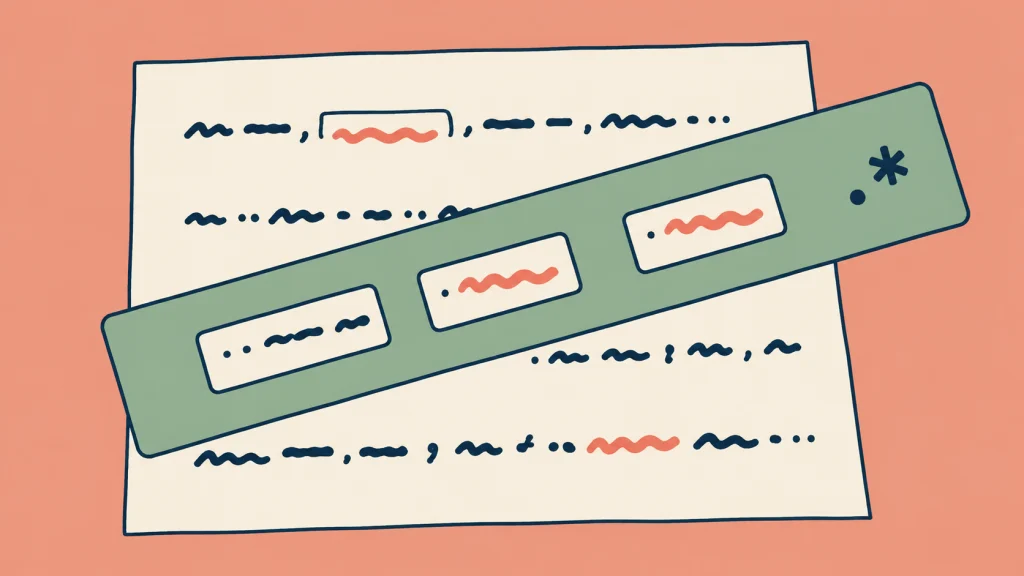
Regular expressions help you find text that varies. We explain the basic symbols and FLOWIN settings through 12 examples for filters and replacements.

How to add callback buttons to forwarded messages in Telegram, move part of the text into them, and view click statistics in FLOWIN.
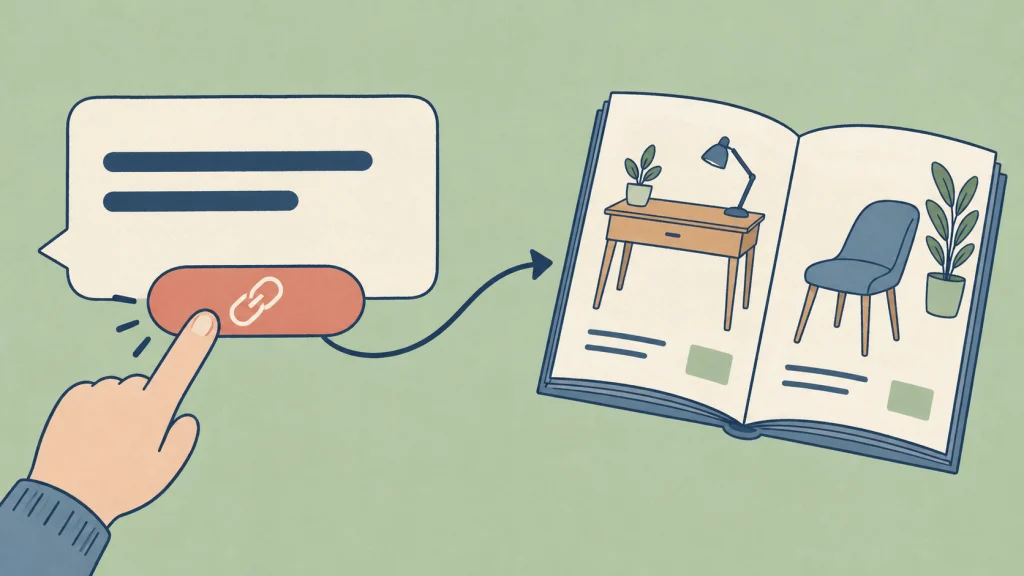
URL buttons open links beneath messages. Set up FLOWIN to add them automatically: create a button and apply it to a forward with a bot as the sender.

What webhooks are and how they work in FLOWIN. Setting up message delivery from Telegram to another website or application and checking the result.

How to automatically process text and images when forwarding messages in Telegram: change prices, improve product photos, create news posters and read data from charts.

How to set up translation of forwarded messages in Telegram: choose languages, preserve formatting, and place the translation instead of, before, or after the original.

FLOWIN automatically adds text, images, and audio clips to forwarded media in Telegram. Set up your watermark and choose the forwards.

How to set up FLOWIN filters to forward messages by words, author, and media, combine conditions, and select senders.

How to automatically change text and links in forwarded messages, add signatures, formatting and premium emoji using FLOWIN.

Creating a forward in Telegram: sources and destination, old messages, duplicate filtering, sending settings and managing forwards.

Register your own bot and get a token to connect it. We explain how to choose a name and username and why a new bot does not reply yet.
End of content
No more pages to load